Aerodynamics & CFD Simulation Software for Designers

Accurate, accessible tools that run on a Windows PC—built to keep real design decisions moving.

  • Start early: de‑risk concepts before expensive CFD workflows
  • Fast iteration: compare configurations and tradeoffs on the fly
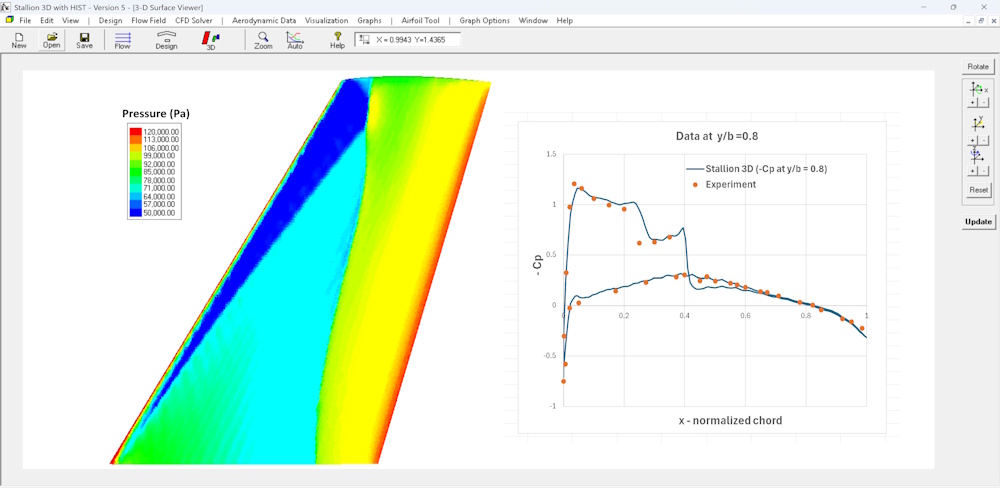
  • Validated methods: numbers you can use, not just visuals

Practical tools for aircraft, UAVs, eVTOL, hydrofoils, spoilers, and student projects.

Quick overview: what Hanley Innovations software can do for your next design.

Learn How to Get Aerodynamic Data

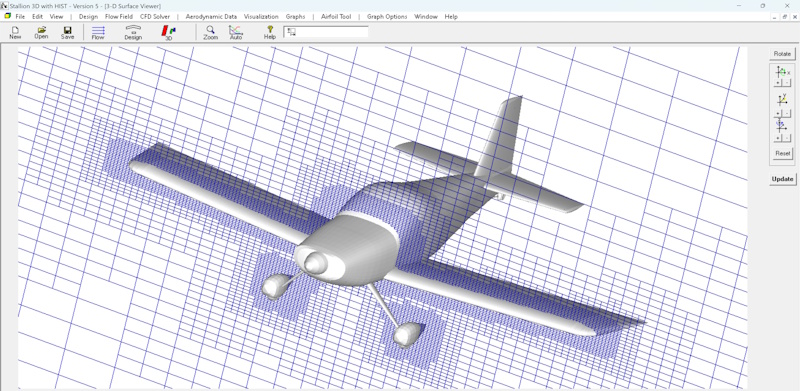
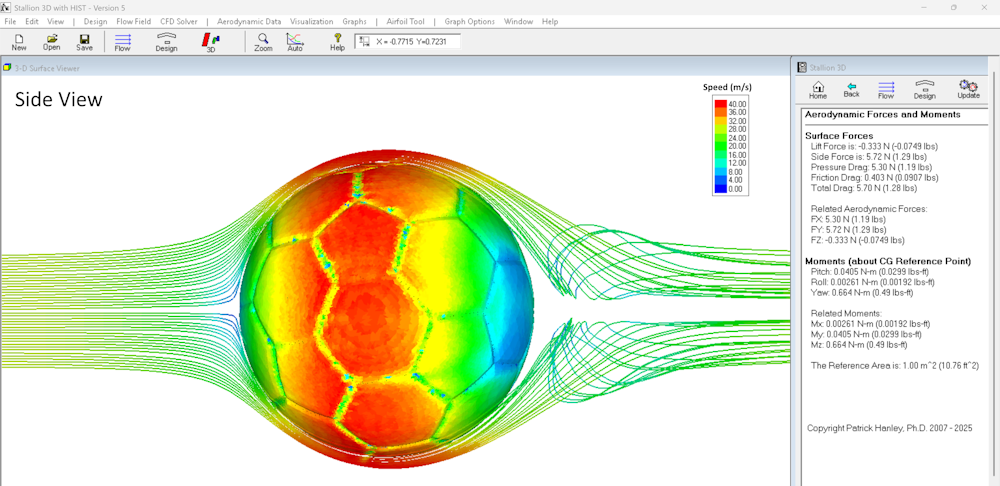
Stallion 3D

Aircraft Aerodynamics

Get CL & CD at cruise

Watch video ➡️

rocket aerodynamics

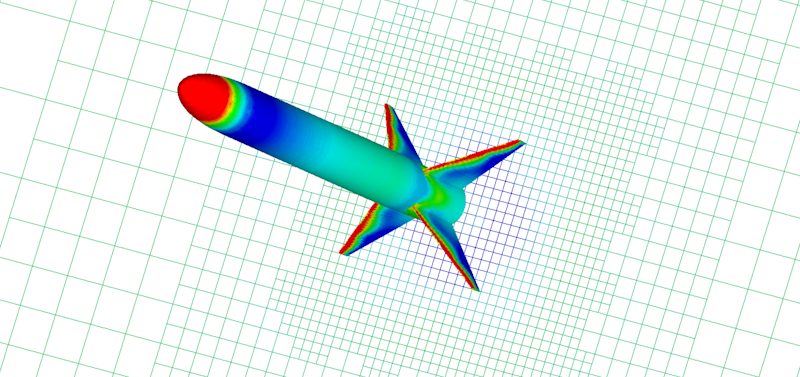
Rocket Aerodynamics

Get drag at Mach 2

Watch video ➡️

rocket aerodynamics

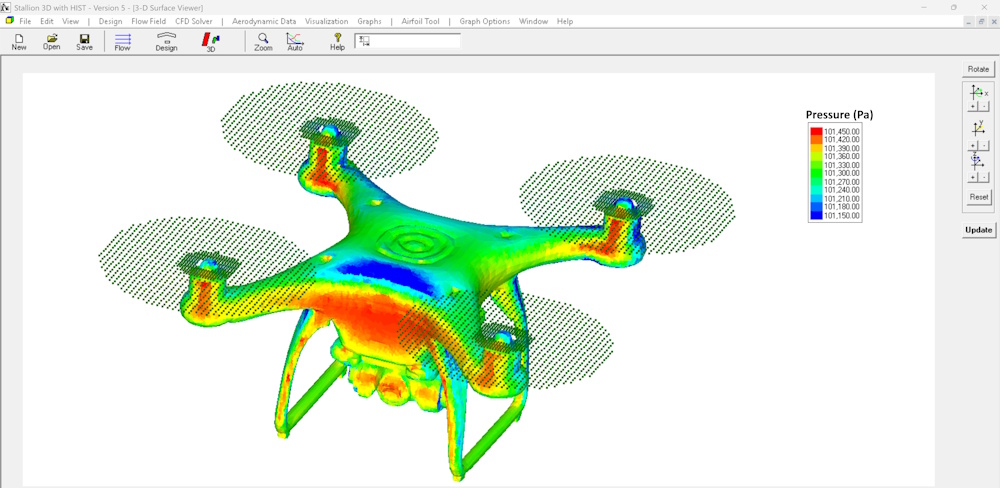
UAV Aerodynamics

Learn the analysis process

Watch video ➡️

rocket aerodynamics

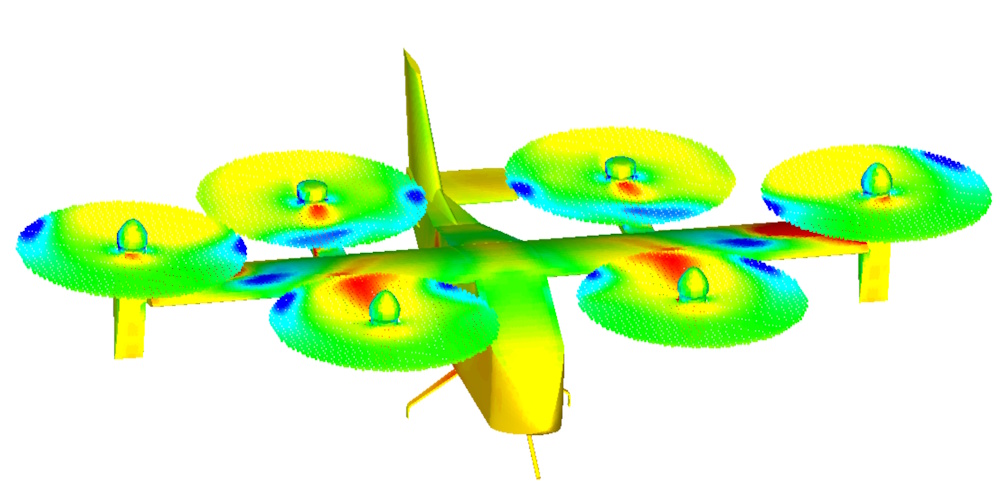
Blown Wing Aerodynamics

Increase lift by over 190%

Watch video ➡️

Aerodynamics Simulation Tools

Choose the right tool for your workflow - from fast VLM trade studies to full 3D RANS CFD on your actual geometry.

Bestseller

Stallion 3D CFD Software

Stallion 3D

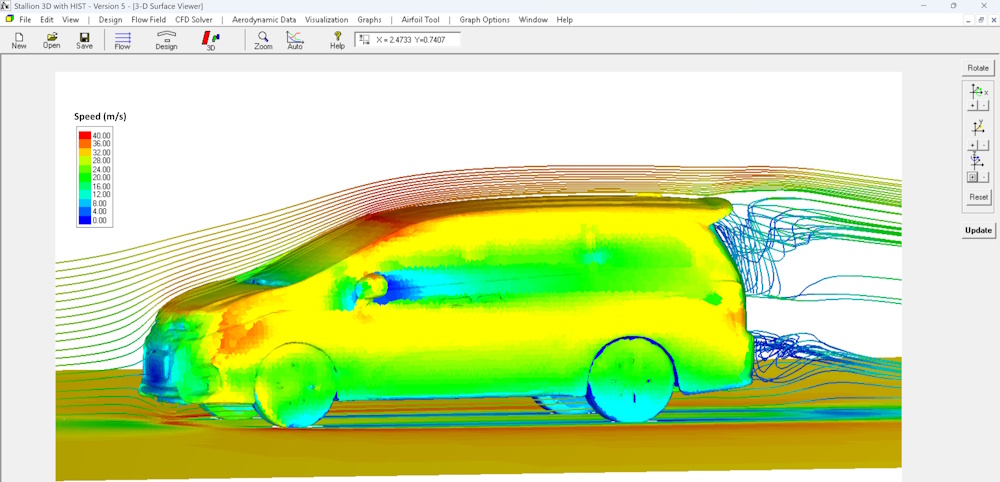
3D CFD (Compressible RANS)

  • Automatic meshing workflow
  • Subsonic → supersonic
  • Shock capture & actuator‑disk modeling
  • Designer‑friendly outputs (forces/moments)

Learn more

Fast

MultiSurface Aerodynamics / MSA-3DFoil

MultiSurface Aerodynamics

3D VLM + Stability

  • Wings, hydrofoils, sails, kites
  • CL, CM, CD and stability derivatives
  • Rapid trade studies
  • Interactive VLM workflow

Learn more 3DFoil Version

Multi‑Element

MultiElement Airfoils

MultiElement Airfoils

Flaps, slats, spoilers

  • Interacting shapes
  • Library + import
  • Quick comparative studies
  • Interactive design workflow

Learn more Lite version

2D

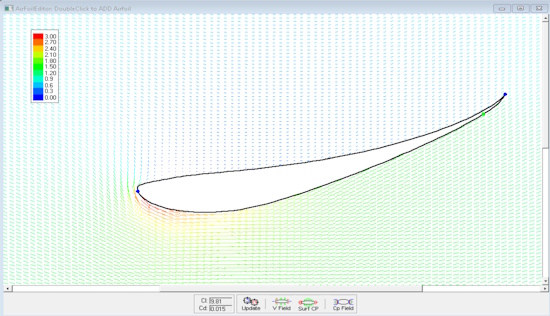
VisualFoil 5.0

VisualFoil 5.0

Airfoil Analysis + Design

  • Fast airfoil aerodynamics
  • Wings, spoilers, struts, hydrofoils
  • Built‑in airfoil library
  • Great for early iteration

Learn more Get VFNACA Free

Utility

Airfoil Digitizer

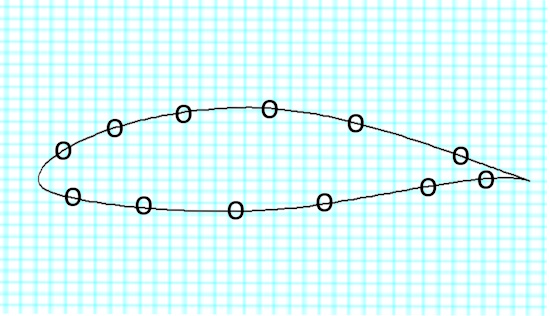
Airfoil Digitizer

Image → DXF / UIUC

  • Clipboard or image files
  • DXF, UIUC, VisualFoil formats
  • Fast cleanup for legacy shapes
  • Great companion tool

Learn more

Bundle

Aerodynamics Toolkit

Aerodynamics Toolkit

Suite for design iteration

  • VLM + airfoil tools
  • Multi‑element capabilities
  • Great value for teams & labs
  • Proven long‑term workflow

Learn more


Quick Comparison

A simple starting point for selecting the right tool in your workflow.

Feature Stallion 3D MultiSurface Aerodynamics (MSA) VisualFoil MultiElement
3D analysis âś“ âś“ âś— âś—
3D CFD (RANS) âś“ âś— âś— âś—
3D VLM trade studies âś— âś“ âś— âś—
Automatic meshing âś“ âś“ âś“ âś“
Multi‑element support ✓ ✓ ✗ ✓
Stall model âś“ âś“ âś“ âś“
Windows native âś“ âś“ âś“ âś“

Tip: use MultiSurface for quick stability/trades; use Stallion 3D when geometry details and compressibility effects matter.


Why Hanley Innovations

Built for working engineers, research labs, and educators who want accurate answers without friction.

Windows‑Native

Run directly on Windows PCs—laptops or desktops—without complex setups.

Fast Iteration

Designed for conceptual workflows where you need “one more trade” before making a decision.

Validated Methods

Practical aerodynamics aimed at forces, moments, and stability—not only visualization.

Straightforward Workflow

Clear steps from geometry to results, with tutorials and responsive support.

Team & University Friendly

Licensing and pricing options that fit labs, teams, and classroom adoption.

No Cloud Lock‑In

Get results without pay‑per‑run bills or cluster administration headaches.


About Hanley Innovations

Hanley Innovations develops practical aerodynamics and CFD software used by universities, research labs, and engineering teams worldwide. The goal is simple: make high‑value simulation accessible early in the design loop—so engineers can move faster with fewer blind spots.

Founded by Dr. Patrick Hanley (MIT AeroAstro), the product line spans airfoil tools, multi‑surface VLM, and full 3D RANS CFD for real geometries.


Ready to start a trade study today?

Browse the suite, watch a demo, or jump straight to Stallion 3D if you’re ready to analyze your actual geometry.

Stallion 3D Contact